Communication Folder
Folder Content Information
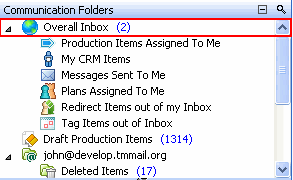
All of your TM communications that have not yet been processed to completion are presented in the Overall Inbox folder. The Overall Inbox folder includes:
-
Production Items ( Commands, Production Tasks, Plans, Plan Items, CRM Items, Meetings, Work Flow Items) Assigned to you but not yet Completed.
-
Communications associated with your Production Items (e.g. Completion Reports, Date Move Requests, Clarification Requests, etc.)
-
TimeMaker Messages you have received.
-
E-mails, if your e-mails are directed to the TM Inbox.
-
System messages such as synchronization messages.
Note: Your incoming e-mail messages can be received at your Overall Inbox and Inbox folders, or only at the Inbox folder. Set this option in User config wizard (Tools > User config > TM Mail > Inbox > Include TM E-Mails in TM Inbox).
Overdue Production Items.
Draft Action Items
All Production Items created by you that have not been Activated or Assigned.
Mail Folder
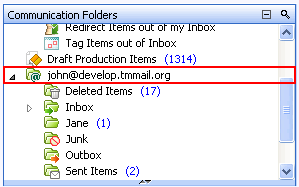
A bundle of your e-mail messages subfolders. The Mail folder is designated by your e-mail address by default but can be changed by you to a name of your selection.
Collaboration Maker
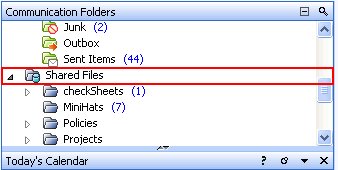
A bundle of Collaboration Maker sub folders.
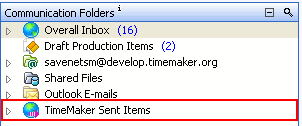
TimeMaker Sent Items
-
A bundle of pending and completed Production Items and TimeMaker Messages. TimeMaker Sent Items include:
-
Pending – all Action Items assigned by you to others and TimeMaker Messages you have sent to others.
-
Production Items Assigned by Me – sub folders created per the Performer of the Production Items you have assigned.
-
Messages Sent by Me – All the TimeMaker Messages you have sent that have not been closed by the recipient.
-
Completed – All Completed Production Items and closed TimeMaker Messages (Completions).