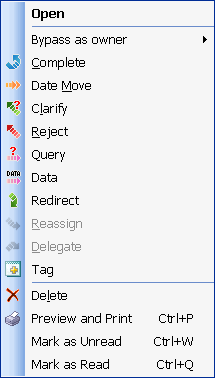
Delegate action

A tool that enables the Owner of a Production Item to transfer Ownership of the Production Item to some other TimeMaker User as a New Owner .
The Performer’s Viewpoint – What happens to the Production Item from the Performer’s viewpoint?
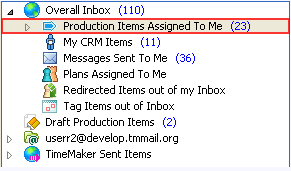
When the Owner of a Production Item Delegates the Production Item to a New Owner , the Production Item remains in the Performer‘s Overall Inbox folder
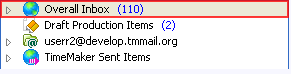
and Overall Inbox > Production Items Assigned to Me folder.
The Owner’s Viewpoint – What happens to the Production Item from the Owner`s viewpoint?
Original Owner
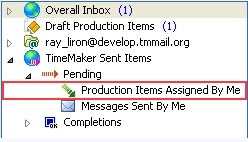
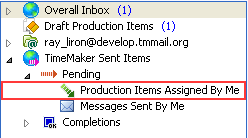
When the Owner of a Production Item Delegates the Production Item to a New Owner, the Production Item is removed from the Original Owner's TimeMaker Sent Items > Pending > Production Items Assigned by Me folder.
New Owner
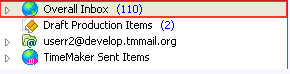
When the Owner of a Production Item Delegates the Production Item to a New Owner, the Delegate notification communication appears in the New Owner’s Overall Inbox folder.
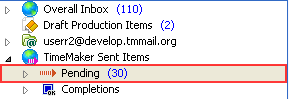
The Production Item appears in the New Owner’s TimeMaker Sent Items > Pending folder
and TimeMaker Sent Items > Pending > Production Items Assigned by Me folder.

_All Action Toolbar buttons can be accessed from the Action Menu by right-clicking the Production Item. _