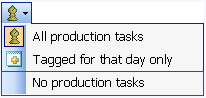
Which Production Task to show
What is it?
Using this menu you can elect to display:
-
All Production Tasks with a Tag Date get items for the selected date or
-
Only Action List Items.
What happens if clicked?
Click on the Which Production Tasks to Display icon
to display a pull down menu
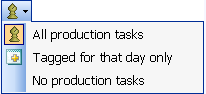
where you can select the items to display on the Action List.
- Click on All Production Tasks
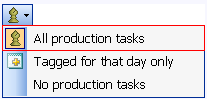
from the Production Tasks to Display menu 
to display all Production Tasks and Production Tasks with a Tag Date equal to the selected date.
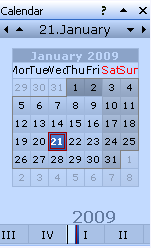
- Click Tagged for that date only.
to display only items that are Tagged for the selected date
- Click No Production Tasks option to display only Action List Items.