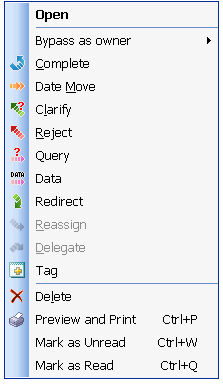
Data in Production Task
Description
A tool that enables the sending of information relevant to a Production Item to any TimeMaker or email user.
The Performer’s Viewpoint – What happens to the Production Item from the Performer’s viewpoint?
When the Owner of a Production Items uses Data to send information relevant to a Production Item, the Production Item remains in the Performer’s Overall Inbox folder
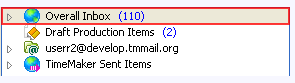
and Overall Inbox > Production Items Assigned to Me folder.
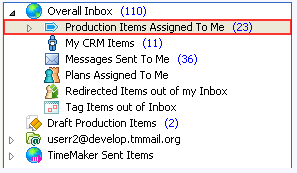
The Data communication appears in the Performer’s Overall Inbox
folder and remains there until it is closed or answered by the Performer.
The Owner ‘s Viewpoint – What happens to the Production Item from the Owner `s viewpoint?
When the Owner of a Production Items uses Data to send information relevant to a Production Item, the Production Item remains in the Owner ‘s TimeMaker Sent Items > Pending > Production Items Assigned by Me folder.
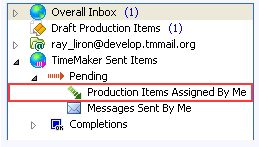
The Data communication appears in the Owner ‘s TimeMaker Sent Items > Pending folder
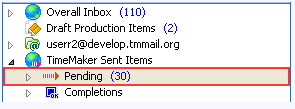
and remains there until it is closed or answered by the Performer.
Note: All Action Toolbar buttons can be accessed from the Action Menu by right-clicking the Production Items.