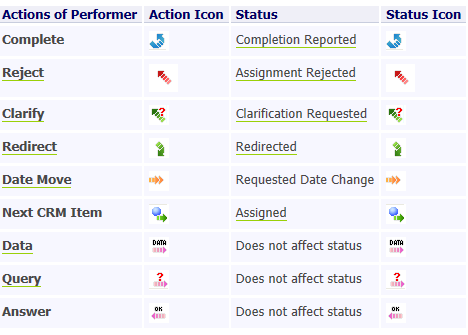
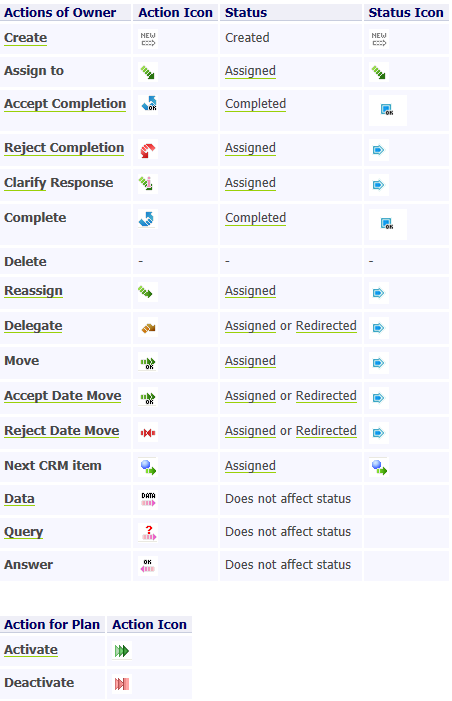
Action field
Description
Shows the last action applied to the task.
What happens if clicked?
List of Items is sorted according to this column.
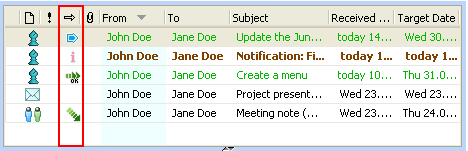
Action Icons
What is it?
The Action icons present the last action applied to the TimeMaker Item .
An example
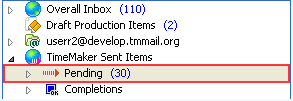
When you Redirect your Production Task, the last action you have applied to the TimeMaker Item is Assign to (while redirecting the TimeMaker Item you assign it to a performer). The TimeMaker Item has the Action icon

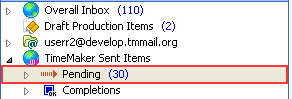
displayed in the Pending folder.
Status Icons
What is it?
The Status Icons indicate the condition (actual status) of the TimeMaker Item.
An example
After you Redirected your Production Task, its Status is Redirected. The TimeMaker Item has the Status Icon displayed in the Overall Inbox > Production Items Assigned to Me folder.
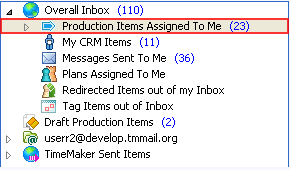
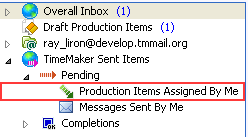
Folders that contain the icons
The Overall Inbox
and Pending folder
Overall Inbox > Production Items Assigned to Me,
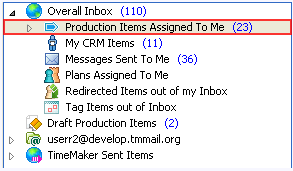
Pending > Production Items Assigned by Me folders.
Actions and Statuses Related to Production Items: