Mark as Junk action

An option to direct an e-mail message to the Junk folder.
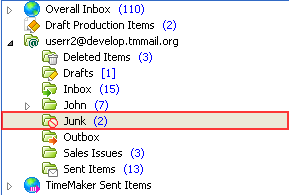
What happens if clicked?
-
Select an item you want marked as junk.
-
On the Action toolbar, click Mark as Junk.
An option to direct an e-mail message to the Junk folder.
What happens if clicked?
Select an item you want marked as junk.
On the Action toolbar, click Mark as Junk.