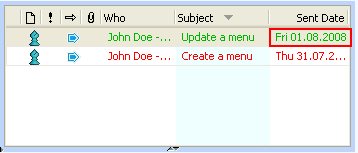
Sent Date
Description
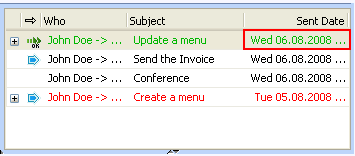
Shows the date the item was sent by the Owner .
The Sent Date in the Overall Inbox
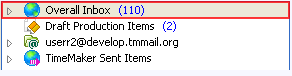
and in the Overall Inbox > Production Items Assigned To Me folders
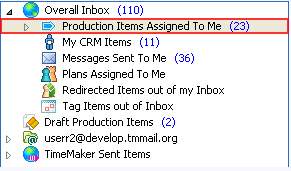
can be different (as well as in thePending
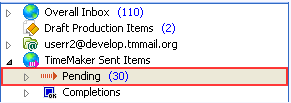
and Pending Production Items Sent By Me folders).
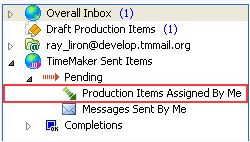
The Sent Date is displayed as following:
- In the Overall Inbox > Production Items Assigned To Me folder
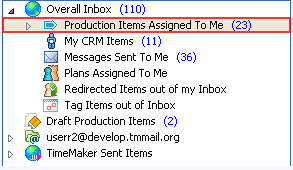
the date when the item was sent or assigned is shown.
- In the Overall Inbox folder
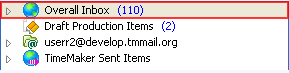
the date of the last action applied to the item is shown.
For example, a Production Task was sent to you August 1 then, your made date move request for August 6 and it was accepted. So the Sent Date shown in the Overall Inbox folder
is the date of last applied action (date move accept) is August 6.
The Sent Date in the Overall Inbox >: Production Items Assigned To Me folder
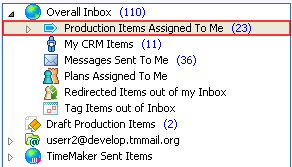
is the date when item was sent is August.
What happens if clicked?
List of Items is sorted according to this column.